¶ General Information
With the KNX-DALI Gateway, you can control up to 64 DALI lights organized into up to 16 groups (DT0-DT8). It works with all DALI-compatible devices. The addressing and configuration of DALI lights is done with the configurator in the web interface. You can access it using a web browser, there is no need to use the DCA app in ETS. It makes the entire process fast and intuitive.
For step by step instructions on how to use the KNX-DALI configurator, see below.
¶ Getting started
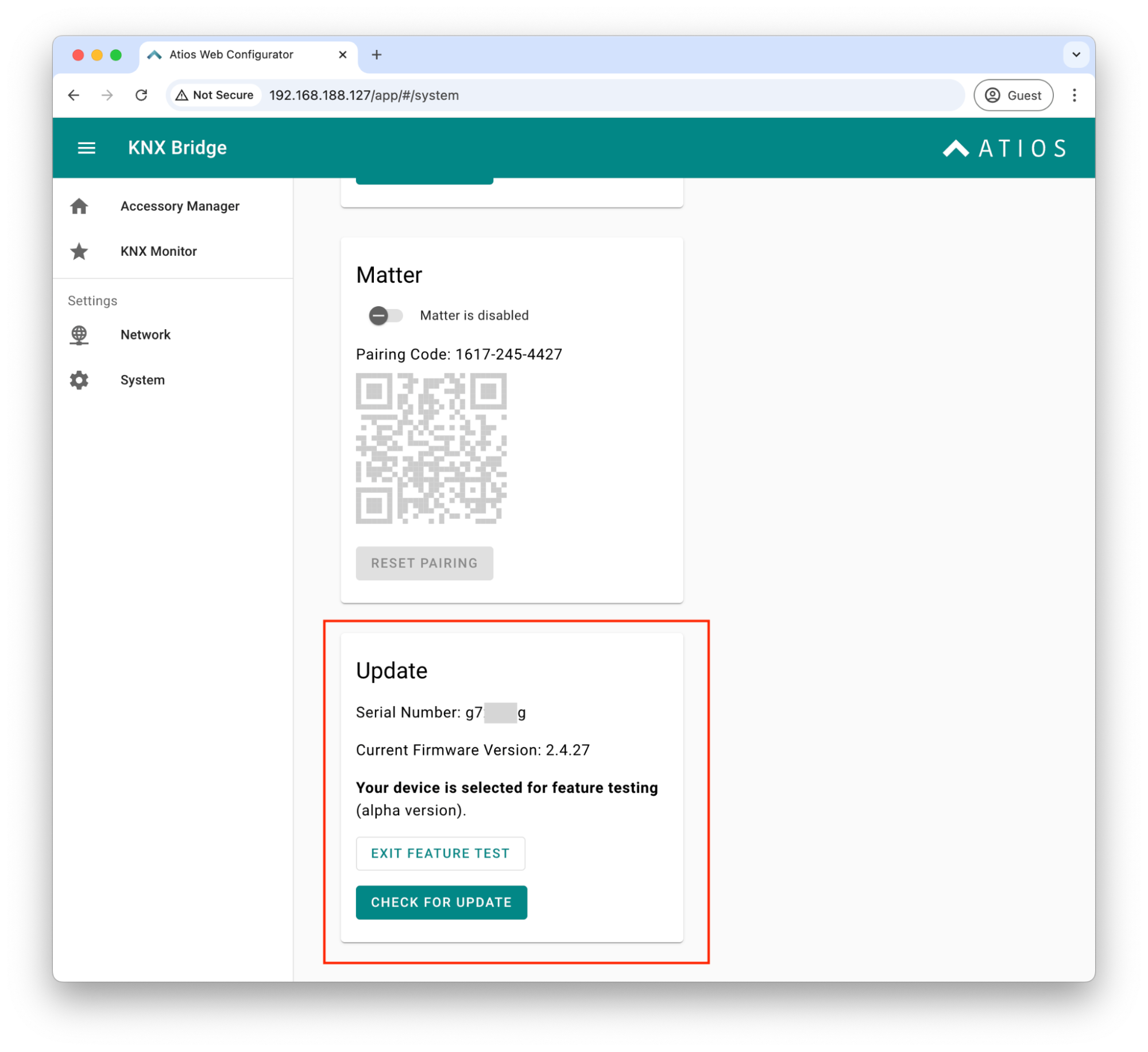
Before you begin, ensure that at least one DALI light is connected to the DALI Bus terminal on your Atios KNX Bridge and that the DALI Bus is powered. You have two options:
- Internal Power Supply: Activate it in the settings menu.
- External DALI Power Supply: If using an external power source, make sure to deactivate the internal one.
¶ The KNX-DALI Gateway Interface
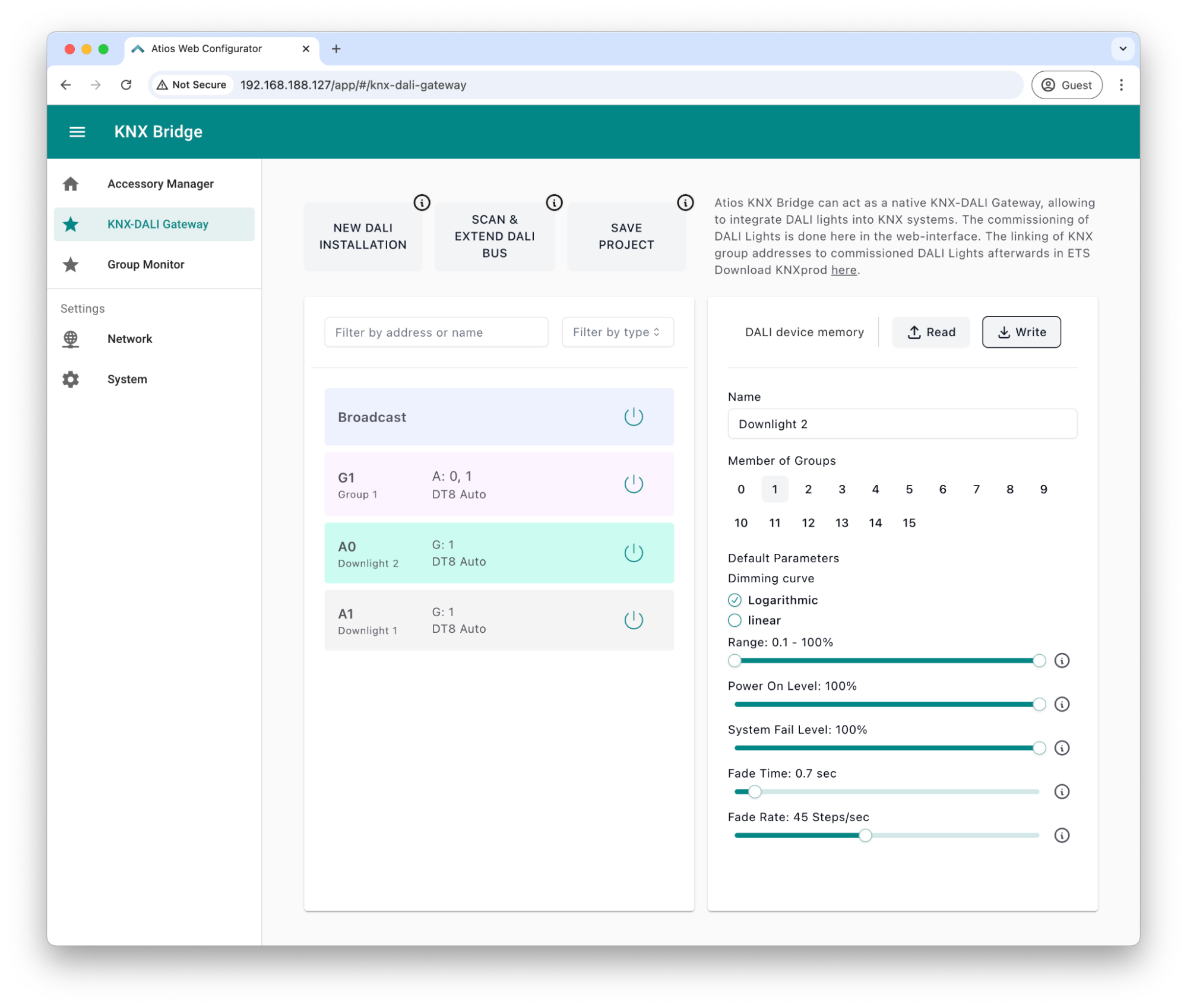
With firmware 2.5.x installed, a KNX-DALI Gateway section will appear in the sidebar. This interface replaces the DCA Apps inside ETS.
- Go to the Web interface (either via setup.atios.ch or enter the IP of your Atios KNX Bridge into your browser address bar).
- Click DALI Wizard to discover connected DALI lights.
- The interface will populate with DALI devices, which can be turned on/off for testing.
- Use the Broadcast button to check if all lights respond correctly.
- Assign names and adjust fading time settings per light. Hit Write after making changes to save settings
- To control multiple DALI downlights together without delays, group them into DALI groups (up to 16 supported)
- Use SAVE PROJECT to store the list of DALI devices and settings like names locally on the Atios KNX Bridge
¶ Finalizing the Setup in ETS
Once your DALI lights and groups are configured, head over to ETS to integrate them into your KNX system:
- Update your ETS online catalogue for the manufacturer Atios
- Add the Atios KNX Bridge to your KNX TP line from the catalog
- Assign KNX group addresses to DALI addresses and groups via drag and drop
- Program ONLY the physical address of Atios KNX Bridge first (activate the Programming button via the webinterface)
- Download the full configuration to Atios KNX Bridge in a second step
- Once the download is complete, your KNX buttons can control DALI lights, including relative dimming
¶ Matter Integration for DALI Lights
To to control your DALI lights via Matter, simply add them to the Accessory Manager as KNX lights, just like any other device. Now, you can manage them through your favorite smart home apps including tuneable white and colour control.