Web Interface
The Atios Web Interface provides an intuitive platform for configuring and managing the SmartCore.
Accessing the Web Interface
Go to setup.atios.ch, choose your SmartCore, and press Connect. Alternatively, enter the device IP address directly in your browser (e.g. http://192.168.0.100).
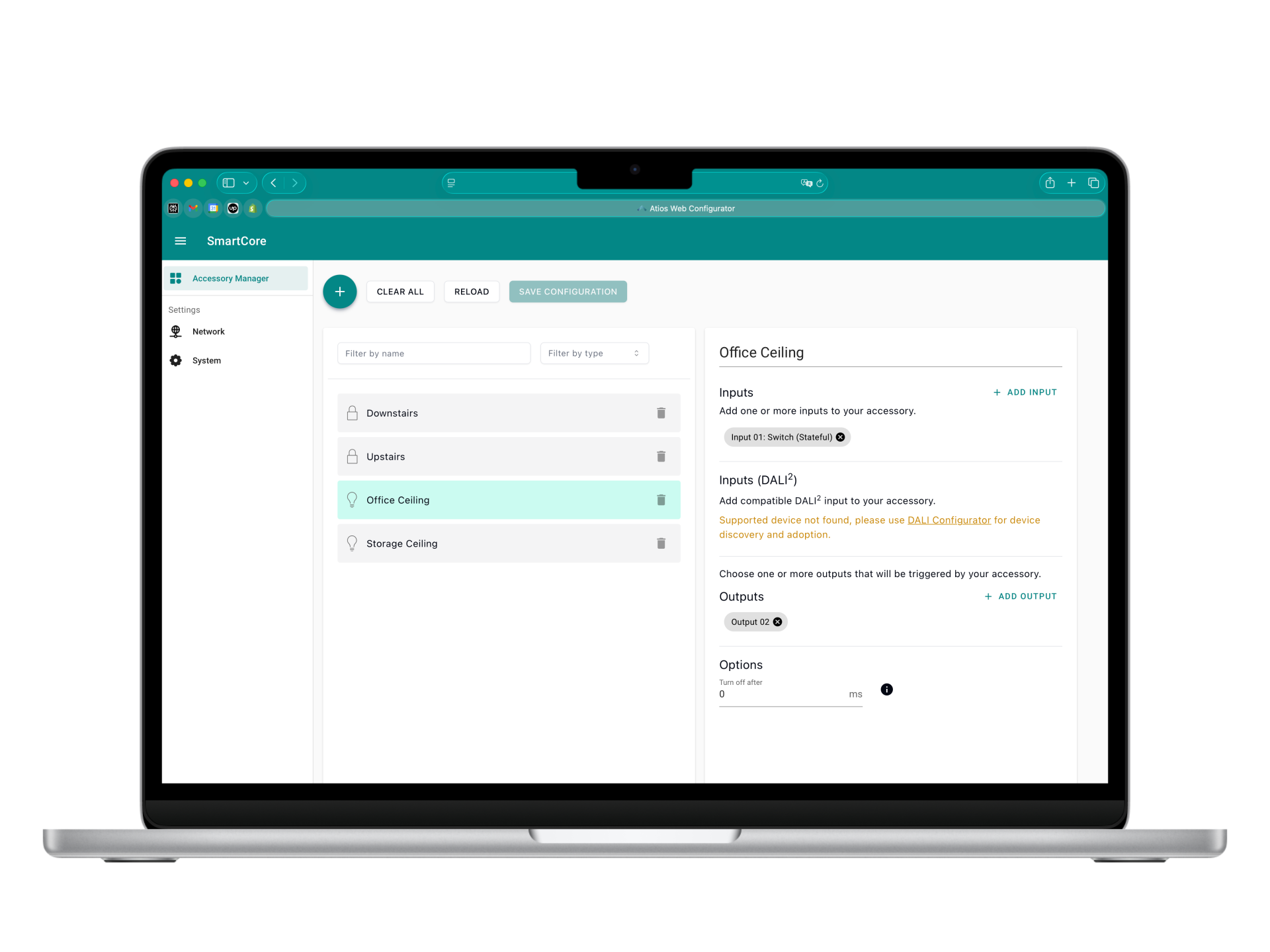
It consists of the following components:
- Accessory Manager: Add and manage accessories — map digital inputs to relay outputs and DALI lights, and expose them to Matter.
- DALI Configurator: Discover, address, and group DALI lights on the bus.
- DALI Monitor: Live DALI bus communication for troubleshooting and analysis.
- Network Settings: Configure Ethernet and WLAN connectivity, including IP settings and network diagnostics.
- System Settings: Firmware updates, Matter and HomeKit pairing, import/export of configurations, and system status.
For additional details, refer to the respective sections in this manual.