
Mounting
- Mount the SmartCore to the DIN Rail in the electrical cabinet.
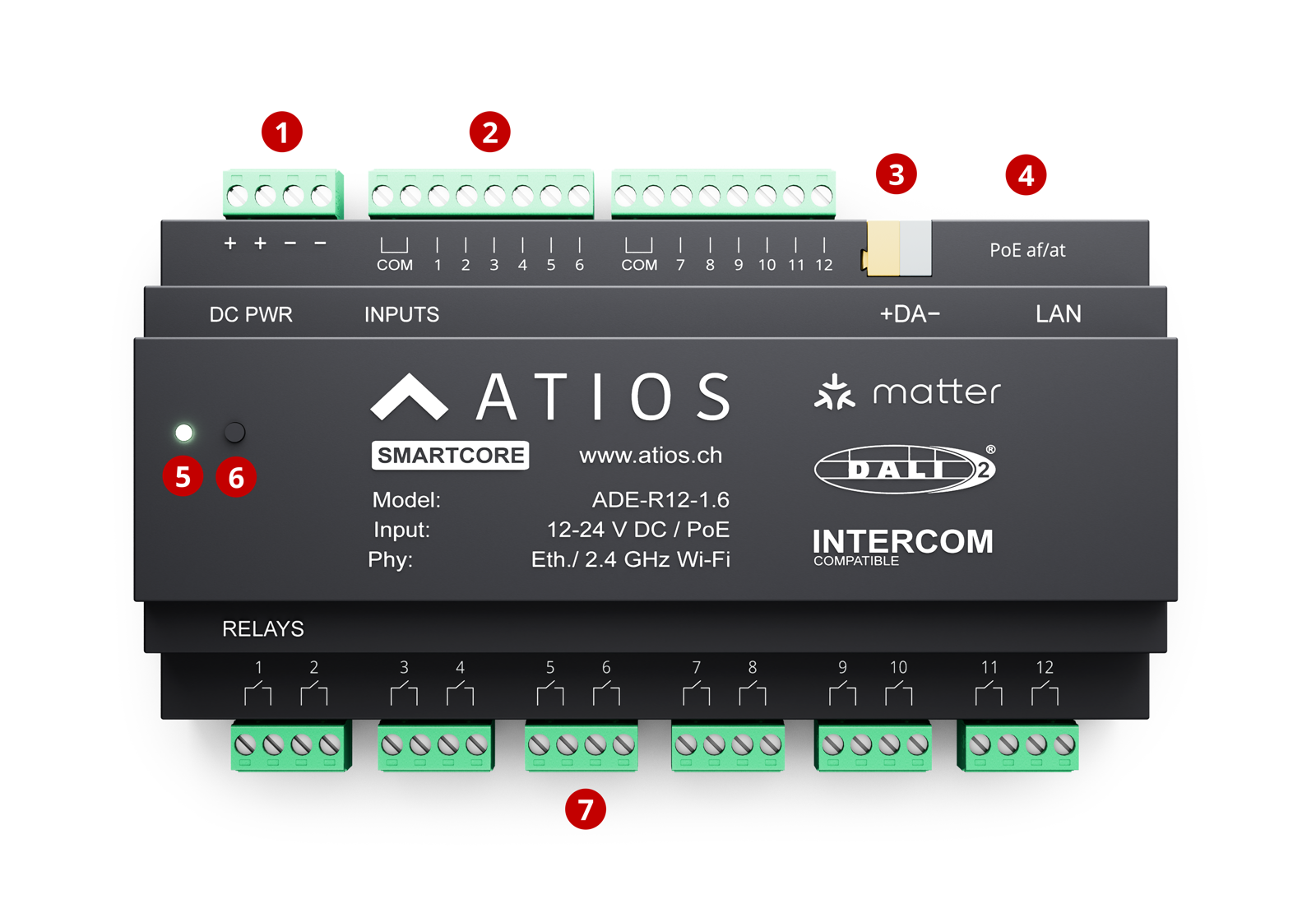
- Connect power via PoE to Ethernet port ④, or connect a 20-30 V DC supply to terminal ①. PoE powers the device and provides network connectivity, no separate DC supply needed.
- If using DALI lights, connect the DALI Bus to terminal ③. See Wiring for bus power and load details.
- For network access, use a PoE Ethernet cable on port ④ for LAN, or configure WiFi via Network Settings using a separate DC power supply on terminal ①.