
Quick Start
The DALI AC Dimmer is an in-wall device that phase-dims a mains lighting load. It takes its control signal from a DALI bus or from a single conventional push switch, wired to the same terminal.
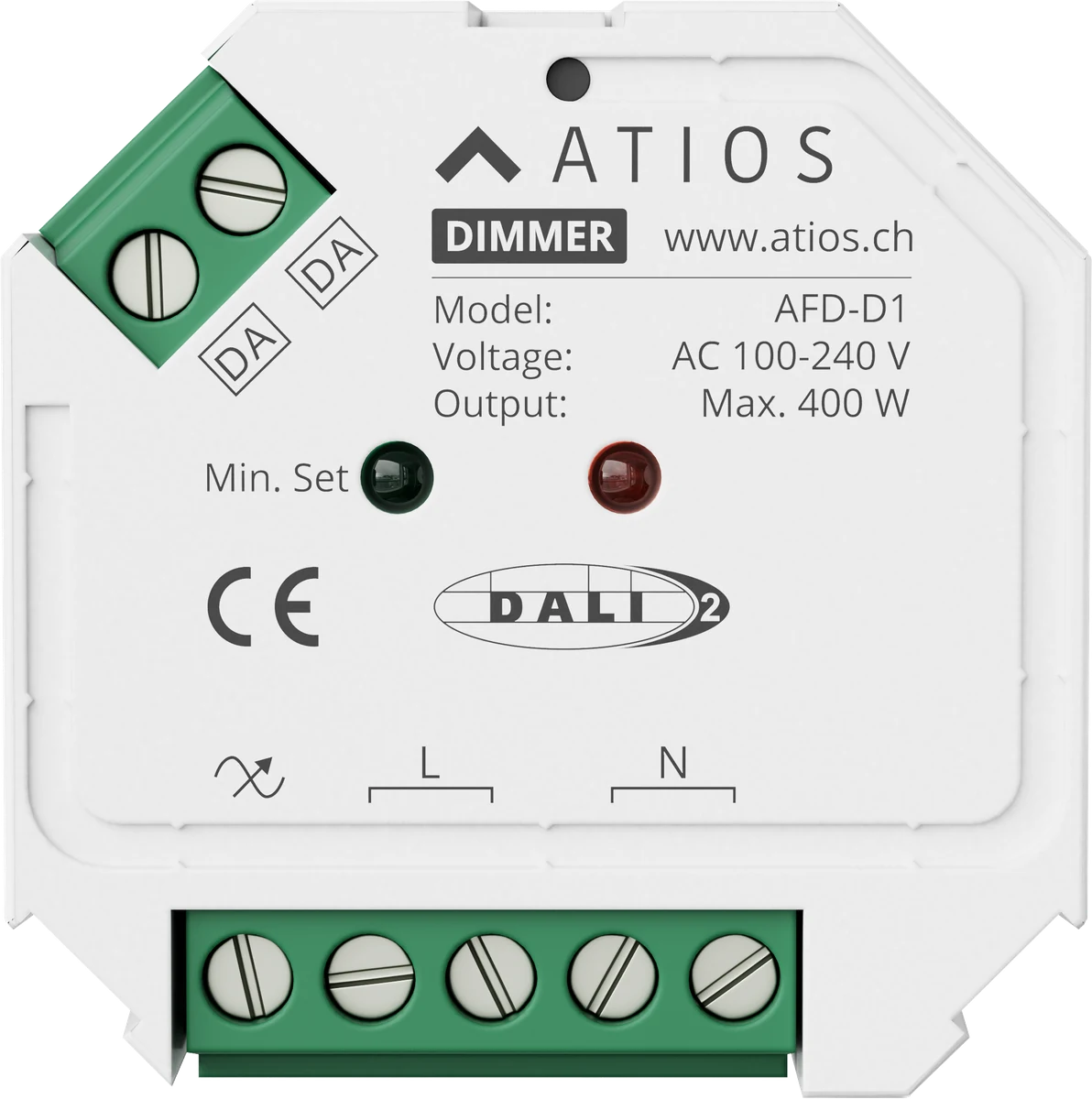
Key features
- Trailing-edge (reverse-phase) AC phase dimmer, DALI DT6, single channel
- Up to 400 W depending on load type, see Datasheet for the full table
- One terminal pair for either a DALI bus or a single push switch (8-230 V~), not both at once
- Adjustable minimum brightness to avoid flicker at the low end
- Standard flush-mounted wall box, IP20
What you need
- Atios DALI AC Dimmer
- A DALI bus with a DALI power supply, or a conventional push switch
- A dimmable load within the rated output, see Datasheet
Lights and inputs
A DALI bus has two kinds of devices:
- Lights (control gear): the devices that switch or dim your lights, for example LED drivers, dimmers and relays.
- Inputs (control devices): the devices you press or that detect something, for example push buttons, motion sensors and light sensors (lux).
Each group has its own 64 addresses. So one DALI bus can hold up to 64 lights and, in addition, up to 64 inputs.
One input device can contain several buttons or sensors, but it still uses only one address. The Atios DALI AC Dimmer counts as one light and uses one address.
1. Mount and wire the device
Fit the dimmer into a flush-mounted wall box. Wire the mains supply and your load to the four-pole terminal strip, and wire the DALI bus or push switch to the DA terminal. For full wiring details, go to Installation.
2. Set the DALI address
If the dimmer is wired to a DALI bus, the DALI master assigns its address automatically. Refer to your DALI master's own documentation for the exact procedure.
3. Set the minimum brightness (optional)
The dimming range is 5-100%, but some loads flicker near the bottom of that range. Set a minimum brightness to raise the floor. For the procedure, go to Operation.
4. Operate with a push switch
If a push switch is wired instead of a DALI bus, click it to switch the load on or off, or press and hold to dim. For details, go to Operation.