
Quick Start
The Universal8 is installed in your electrical cabinet. Its eight relay outputs are freely assignable, so one device can switch lighting, drive blinds, control fans, or operate heating and cooling valves.
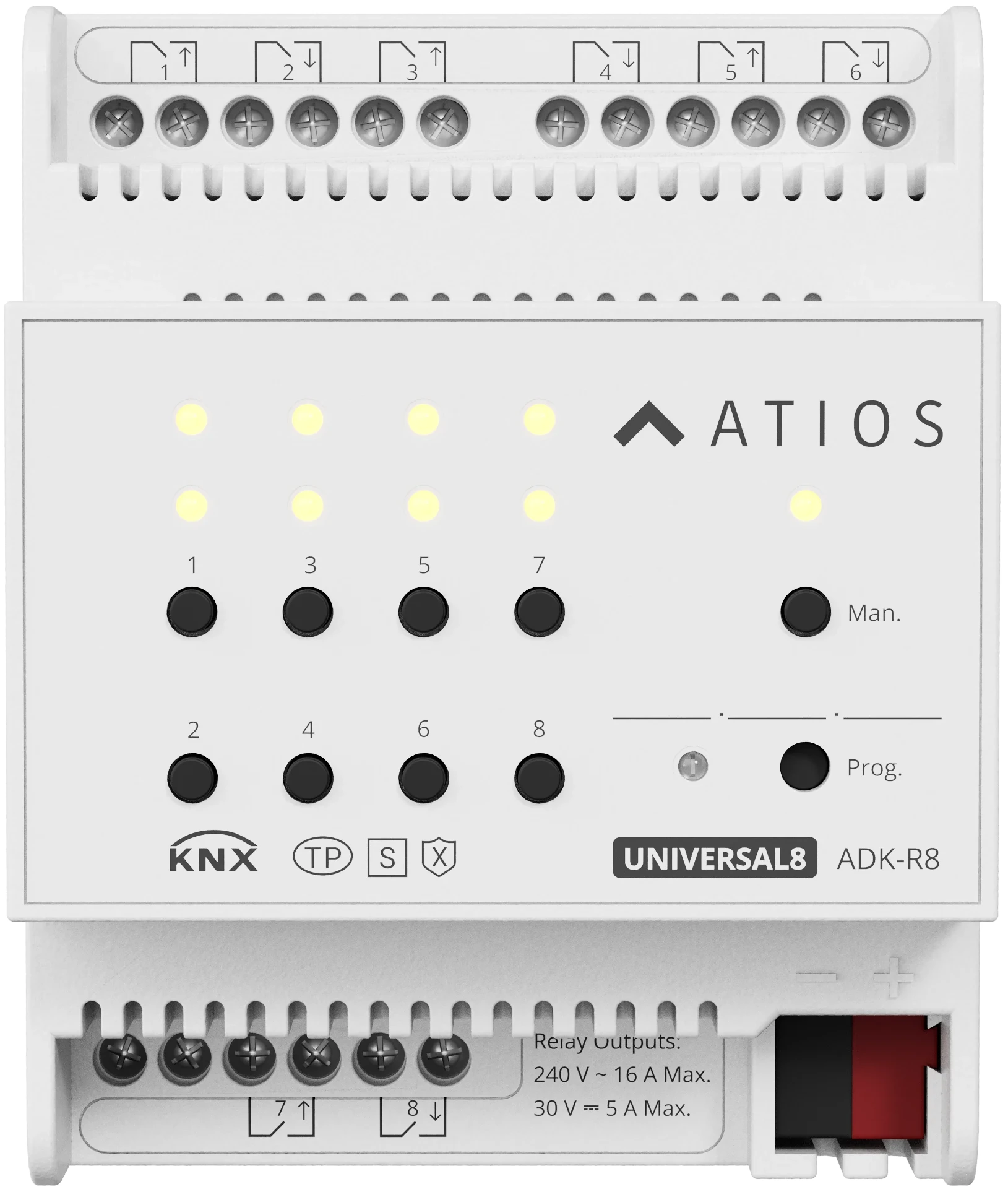
Key features
- Eight relay outputs, freely assignable to switch, shutter (AC/DC), fan, or valve control
- Manual operation buttons and status LEDs for operating the outputs without the bus
- KNX Secure (KNX Data Secure)
- Configured in ETS 5.7 or higher
Mounting and wiring
Mount the device on the DIN rail, wire your loads to the output terminals, and connect the KNX bus. For terminal layout, load ratings and the rules on mixing DC blinds with AC loads, go to Installation.
Commissioning in ETS
The Universal8 is configured in ETS (version 5.7 or higher) using the Atios product database.
Add the Multifunctional Actuator with Secure, 8-Fold product database (
.knxprod) to your ETS catalogue and drag the device into your topology.Assign the physical address: press the Prog button on the device (the red LED lights) and download the address.
Open the Channel function window and set Product to 8-Fold.
Assign each block of outputs (1 to 4 and 5 to 8) a function: Switch, Curtain AC, Curtain DC, Fan control, or Valve control. See Channel Functions for what each one does.
Set the parameters for each channel, then download the application.
For secure commissioning, go to KNX Secure.