
KNX IP Interface
The Atios KNX Bridge includes a built-in KNX IP Interface, allowing ETS to connect directly to the KNX bus over the local network.
Enabling the KNX IP Interface
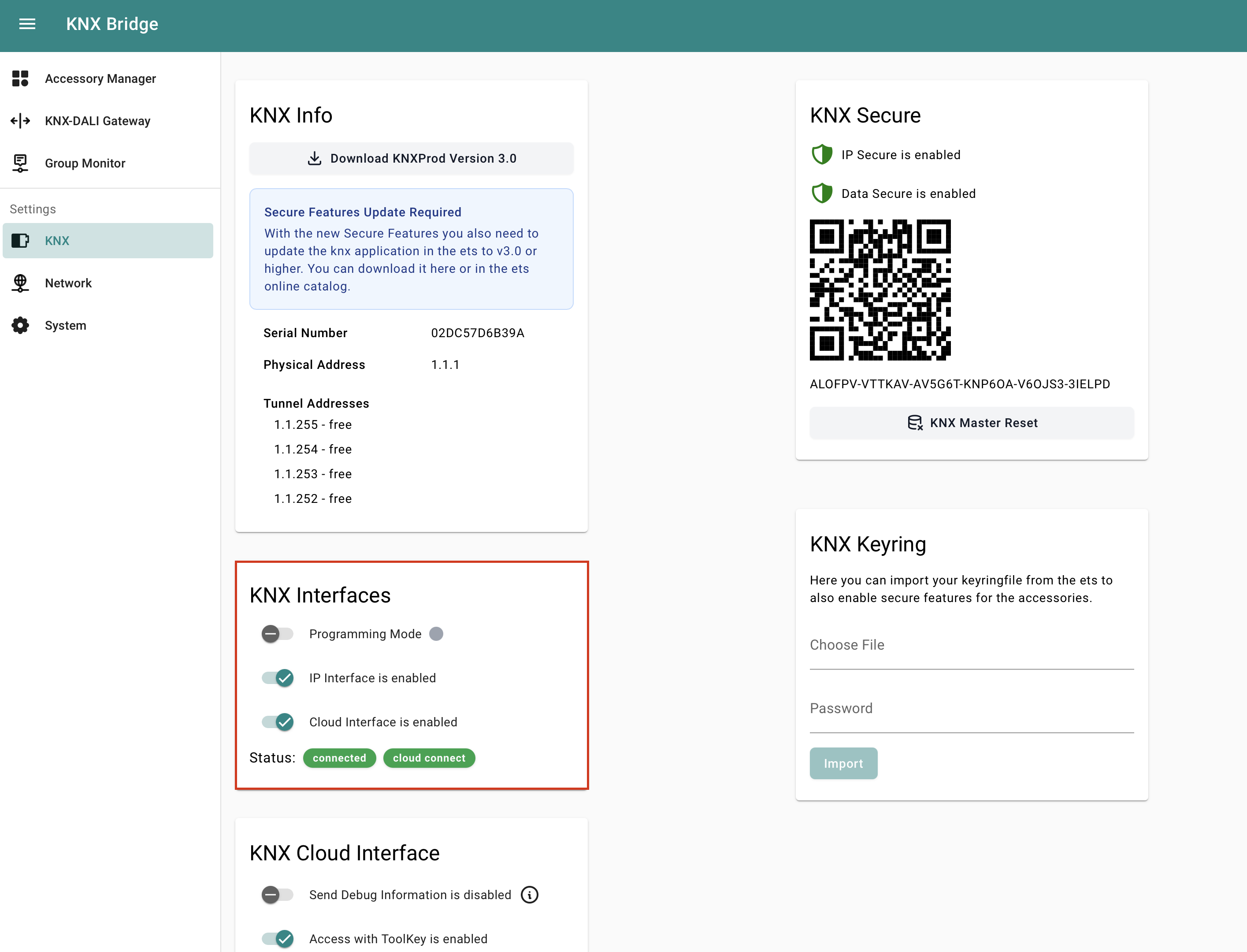
- Open the Web Interface by connecting to your KNX Bridge here and navigate to KNX Settings.
- Under KNX Interfaces, toggle the IP Interface on.
ETS Setup
- Download the newest KNX Bridge product database file (.knxprod) from the Catalogue in ETS and add it to your topology.
- Activate programming mode with a quick double press of the Reset Button on the device, or enable it in the Web Interface under KNX Settings → KNX Interfaces → Programming Mode.