
DALI Configurator
The SmartCore acts as a DALI-2 Master and can address up to 64 DALI lights and up to 64 DALI sensors.
The addressing and configuration of DALI lights is done in the Web Interface.
Getting Started
Before you begin, ensure that at least one DALI light is connected to the DALI Bus terminal on your SmartCore and that the DALI Bus is powered. You have two options:
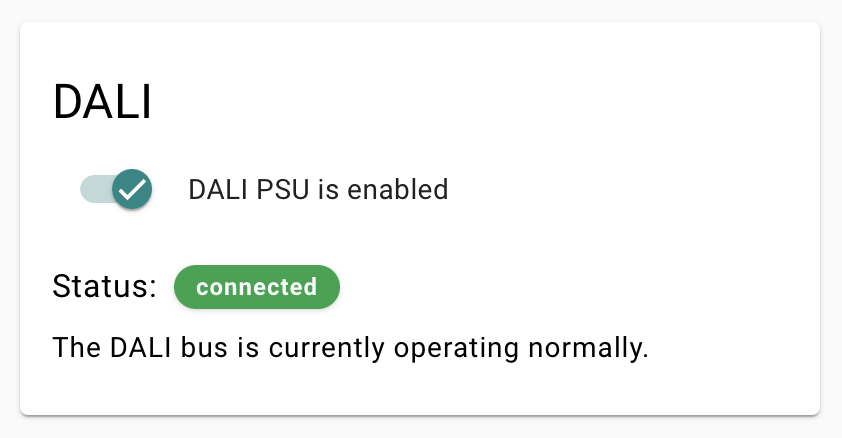
- Internal Power Supply: Activate the DALI PSU in System Settings → DALI.
- External DALI Power Supply: If using an external power source, make sure to deactivate the internal one.
The DALI Configurator
Commissioning steps
- Open the Web Interface of your SmartCore and go to DALI Configurator.
- Click DALI Wizard.
- New DALI Installation for first commissioning or to start clean (assigns new individual addresses for each device).
- Scan for DALI Devices if you want to add additional devices the bus. Click Scan.
- The interface populates with DALI devices. Toggle each on or off to test.
- Assign names and adjust fading time settings.
- Click Write after making changes to save settings.
- Group lights to control them together without delays.
- Click Save Project to store the list of DALI devices and settings.
Matter Integration for DALI Lights
To control DALI lights via Matter, add them to the Accessory Manager as DALI Lights, just like any other device.