
Atios WiserPort ADE-WP Datasheet
EAN 7649988416613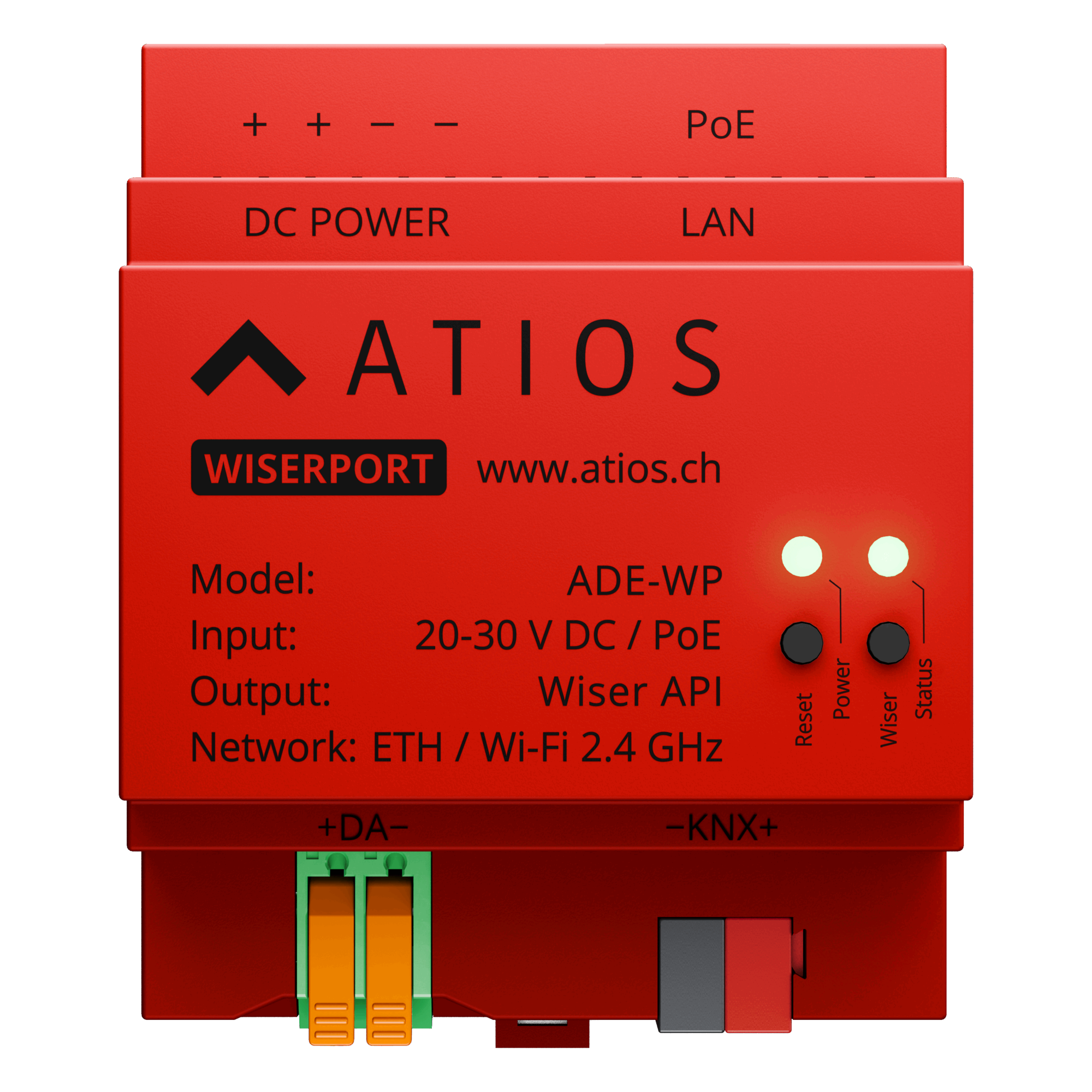
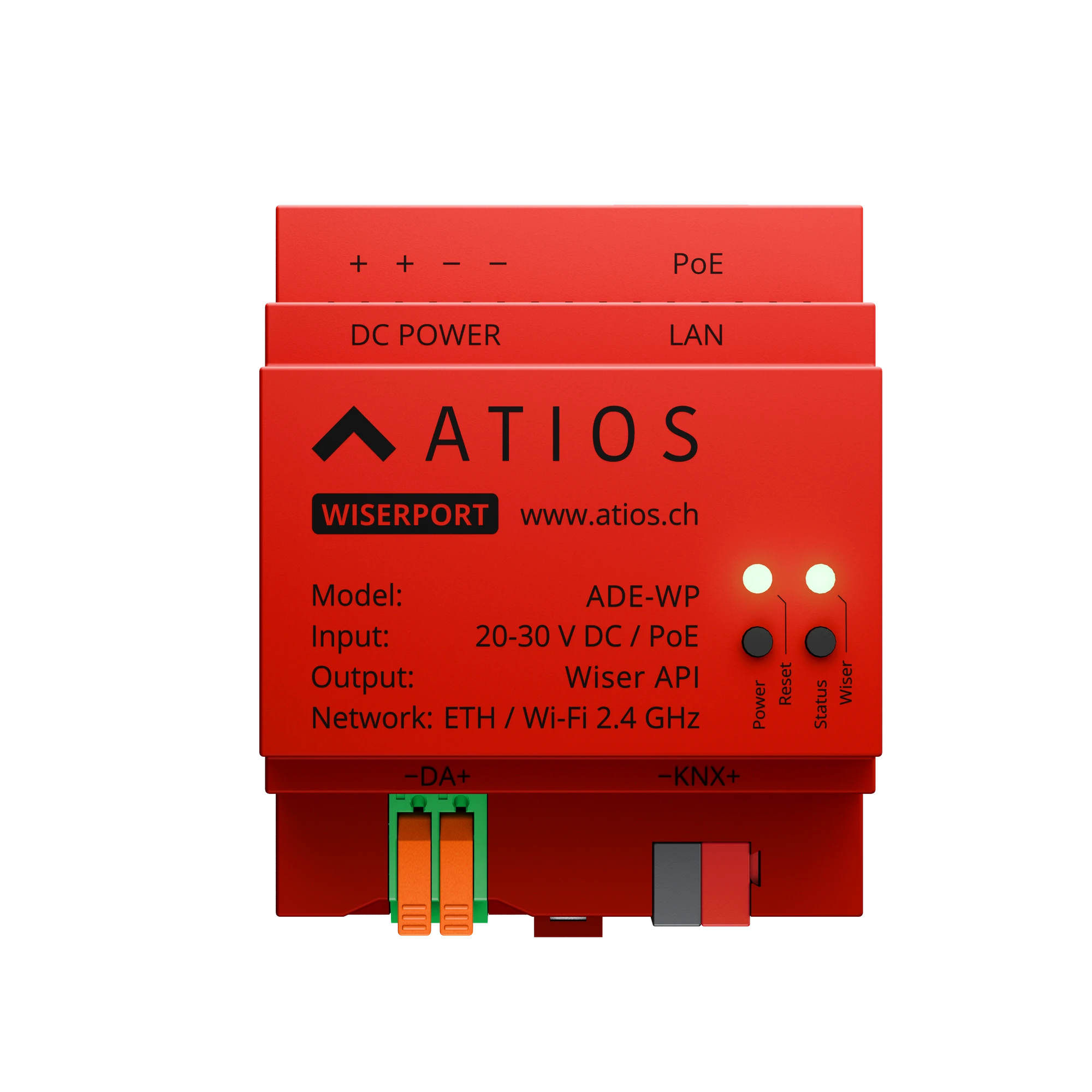
Technical Specifications
| Power supply | Power over Ethernet 802.3af; or 20-30 V DC |
| Power consumption | 1 W |
| Wiser integration | Feller Wiser open API, alongside an existing Feller Wiser WLAN Gateway |
| Connected devices | Up to 100 Feller Wiser devices |
| Bus terminals | KNX (−KNX+) and DALI (+DA−), used by a free firmware update |
| App support | Matter: Apple Home, Google Home, Samsung SmartThings, Amazon Alexa, Home Assistant and more |
| IP communication | Ethernet and 2.4 GHz Wi-Fi |
| Dimensions | 70 × 85 × 60 mm |
| Enclosure | ABS, weight 85 g |
| Ambient temperature | −5 °C to +45 °C |
| Control | 2 push buttons (Reset, Wiser) |
| Indicators | 2 multicolor status LEDs (Power, Wiser Status) |
| Certifications | CE, RoHS, Matter certified, ISO 9001:2015 |
Application area and features
- Matter bridge for Feller Wiser installations, built on the open Feller Wiser API. Works alongside an existing Feller Wiser WLAN Gateway on the same local network.
- Intuitive Web Interface for configuration and pairing with the Feller Wiser WLAN Gateway.
- Up to 100 connected Feller Wiser devices.
- Matter-compatible: Apple Home, Google Home, Amazon Alexa, Samsung SmartThings, Home Assistant, Homey, and all other Matter platforms.
- Supported Matter device types: lights (on/off, dimmable, tunable white, colour), switches (on/off), sockets, blinds, shutters and curtains with or without position and tilt control, thermostats.
- Scenes, automations, multi-user access and push notifications via Apple Home, Google Home, Samsung SmartThings, etc.
- Built-in KNX and DALI bus terminals. KNX gateway functionality and DALI control via the Wiser app available as a free firmware update in the future.
Wiring
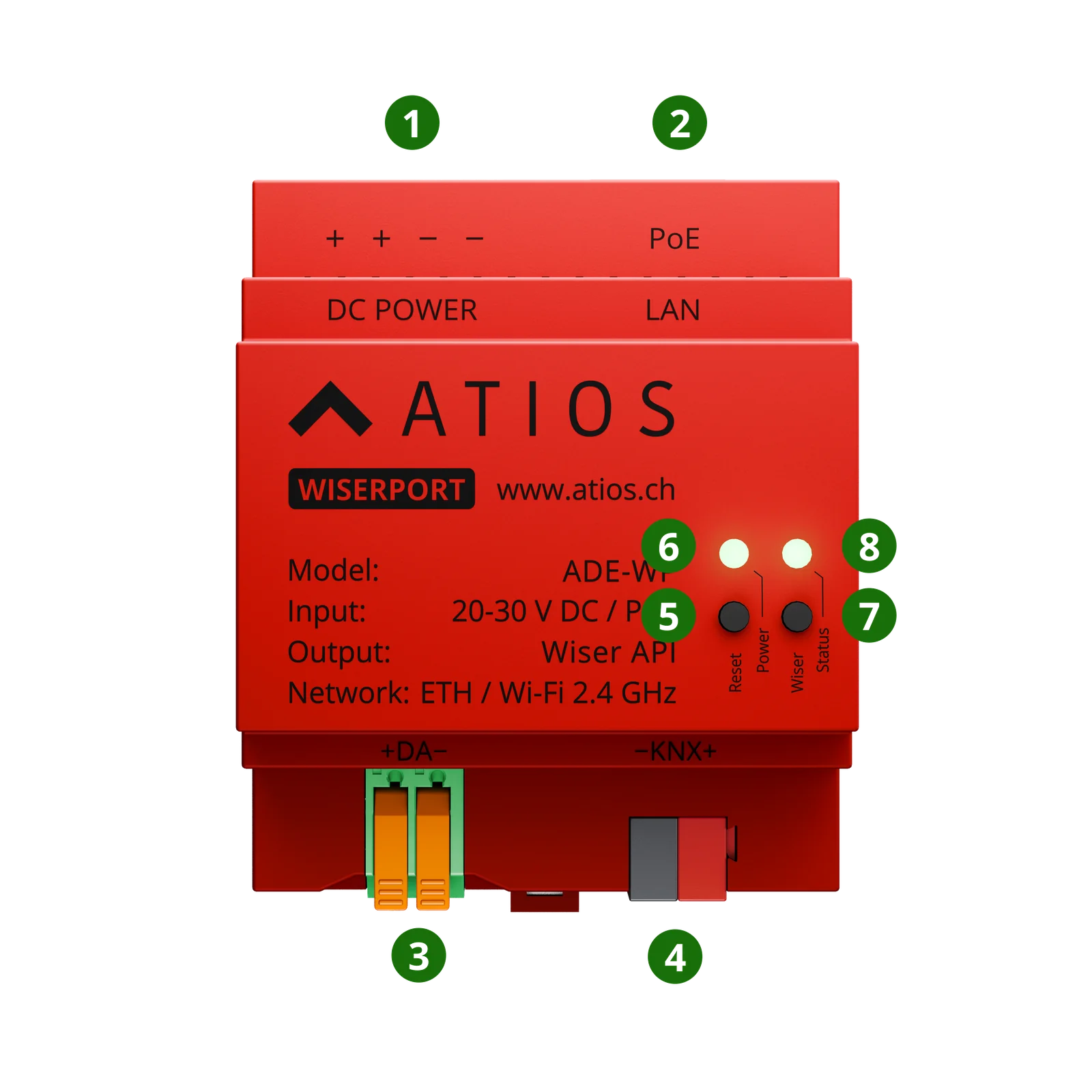
- 1DC POWER terminals, 20-30 V DC
- 2LAN port, Power over Ethernet
- 3DALI bus terminals (+DA−), active after a firmware update
- 4KNX bus terminals (−KNX+), active after a firmware update
- 5Reset button: reboot, factory reset, KNX programming mode, safe mode
- 6Power LED, system status
- 7Wiser button, pairing with the Feller Wiser WLAN Gateway
- 8Wiser status LED, gateway connection